About this project
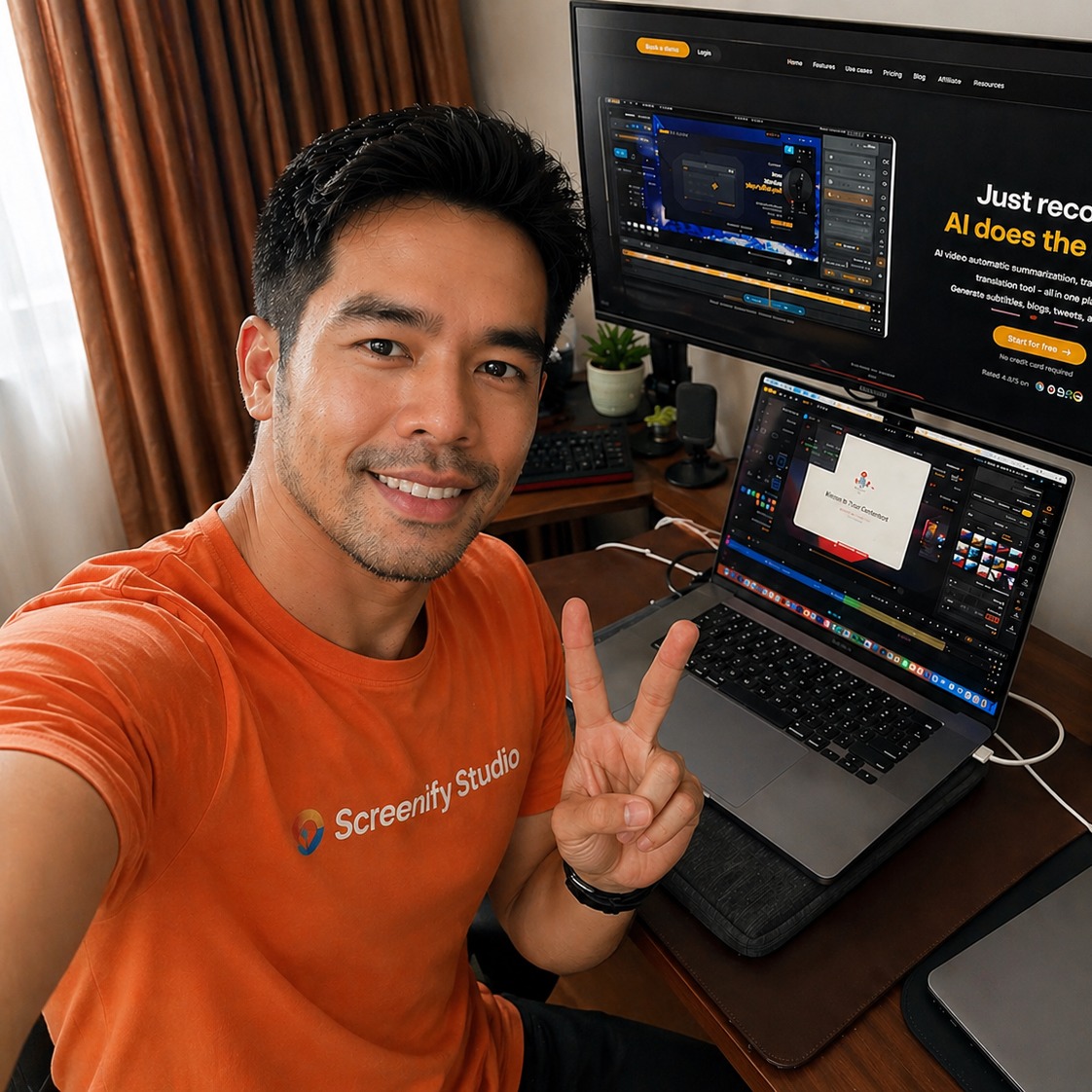
PitchScreenify Studio is a Mac screen recorder that turns rough screen recordings into polished product demos — without the editing tax. Recording your screen takes five minutes; making it actually look good usually takes forty-five. That gap is why most product demos undersell the work behind them: the feature is great, but the video makes it look flat and amateur. Screenify closes the gap, so your demo looks as good as the product itself. What makes it different is that it meets you wherever you are. Let an AI record and direct the whole demo for you. Open a deep, full-control editor and shape every frame by hand. Or drive the entire pipeline from the command line with an AI agent. Casual creators who want a polished clip in one click, control-obsessed power users who tune every keyframe, and AI-first builders who automate everything all end up with the same finished, launch-ready video. Record anything: • Capture your full screen, a single window, or a custom region on macOS. • Record system audio and your microphone in one pass — no virtual audio drivers required. • Add a webcam overlay with rounded corners and shadows. • Float a Speaker Notes teleprompter that never appears in the recording, and scroll your script hands-free. A powerful editor, for people who want full control: • A multi-track timeline with separate tracks for screen, webcam, audio, captions, callouts, annotations, music, zoom keyframes, and device motion. • Manual zoom keyframes — place and fine-tune every zoom yourself when you don't want it automatic. • Six camera angles plus pitch and yaw sliders, and real lens controls: focal length compresses the background like a telephoto, aperture blurs it for a soft-backdrop look. • Per-segment motion presets and transitions, applied directly on each clip. • Smart Timeline collapses inactive tracks so a busy project stays readable, and multi-select moves or deletes many clips in one undoable step. AI that does the work for you: • Smart Auto-Zoom follows your cursor and clicks automatically — no keyframing needed. • Point Screenify at any URL, describe the demo in plain English, and an AI drives a real browser to perform it on camera, then directs cinematic effects — 3D camera tours, spotlights, blur-to-hide, and callouts — on the moments that matter. • Record pages behind a login, and export to MP4, GIF, or MOV with one-tap sizing for YouTube, TikTok, and Reels. Photoreal 3D device stages: • Drop any recording into a photoreal 3D MacBook, iPhone, or iPad with authentic finishes for each model — the frame follows your zoom and camera moves. • Stage it on photographic environments and real desk surfaces, with an Apple-grade menu bar overlay, for production-quality framing. Cinematic motion and cursor: • 30+ hand-crafted multi-axis camera motions for Mac and iPhone, each tunable for distance, speed, and reach. • Cursor Studio restyles the pointer: a recolorable or glossy 3D cursor, a click sound, and natural tilt in the direction it moves. On-device AI, nothing uploaded: • Captions powered by Whisper, background removal via Apple's Vision framework, and silence detection all run locally on Apple Silicon. • Recordings of pre-release features, internal tools, or customer data never leave your machine. A command line built for AI workflows: • Every command speaks JSON, and a self-describing manifest means an agent always knows what is available. • It ships a Claude Code skill, so an AI assistant can record and produce a finished demo end to end from a plain-English request — and any agent or script that can run a command works too. • Capture a styled UI demo as a build artifact in CI, or attach a fresh repro video to every bug report, fully hands-free. Great for product demos and launch videos, developer demos and bug repros, online courses, social clips, sales collateral, and customer-support replies. It is built for indie hackers, technical founders, and small product and marketing teams — whether you want a polished demo in one click, full manual control over every frame, or an AI agent that does it all from the terminal. Native to Apple Silicon and local-first. Free to start, with Pro at $9 a month or $89 a year, and a $149 lifetime license.




Discussion
1 commentSign in to join the discussion.